$128,430
Recent Activity
- HubSpot Deal Closed
- Invoice Created
- Payment Received
Invoice automation
Slipstream is the automation layer between your CRM and accounting system. Turn CRM data into QuickBooks invoices automatically.
Integrations
HubSpot, Salesforce, Pipedrive, GoHighLevel, and more — built and mapped by our team, then monitored by yours.
How it works
Watch a 90-second walkthrough of how deals flow from your CRM into QuickBooks.
Features
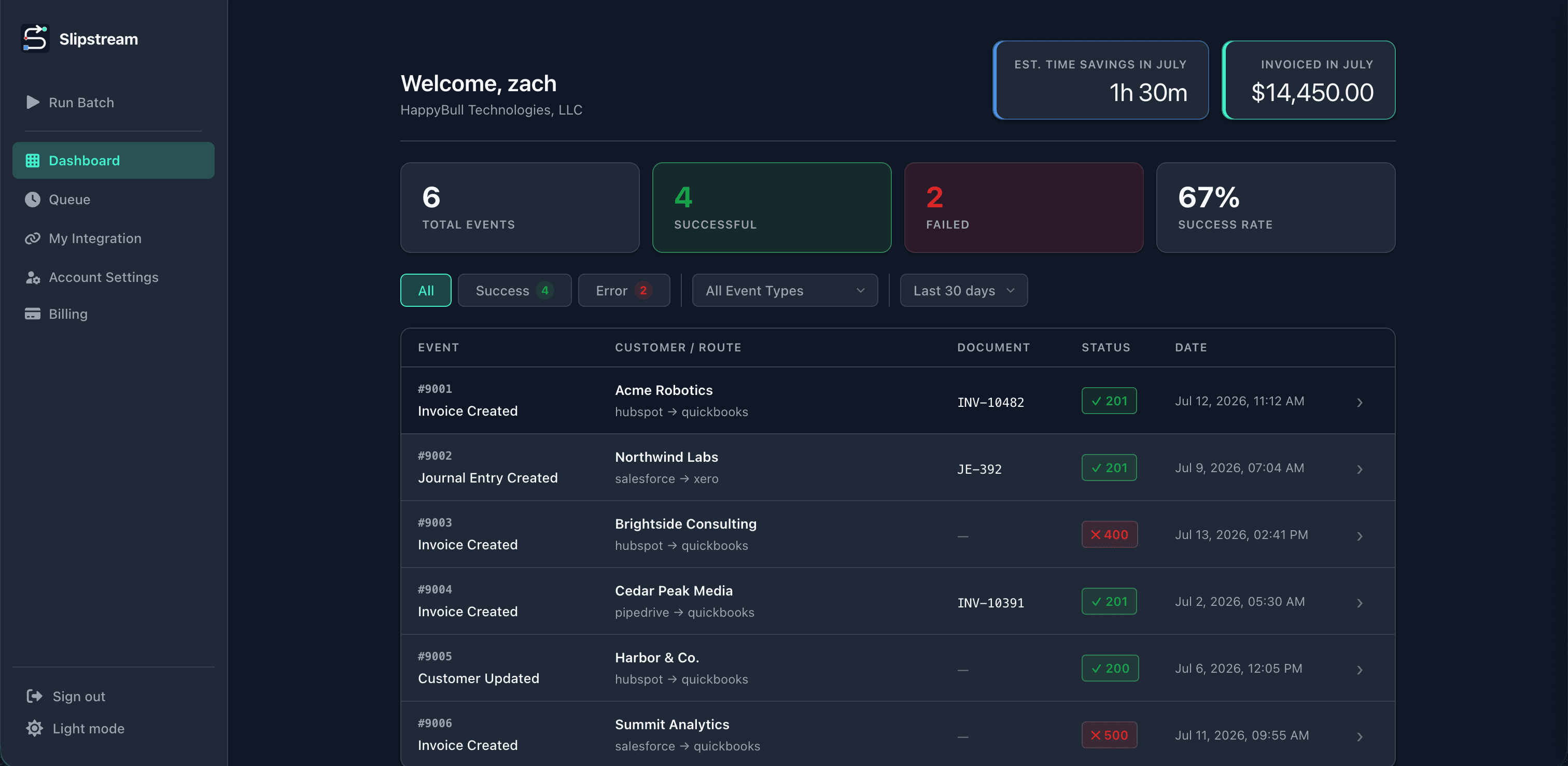
See what synced successfully, if anything failed, and why. Click on any event for more details, and to easily navigate to the QuickBooks entry or CRM activity.
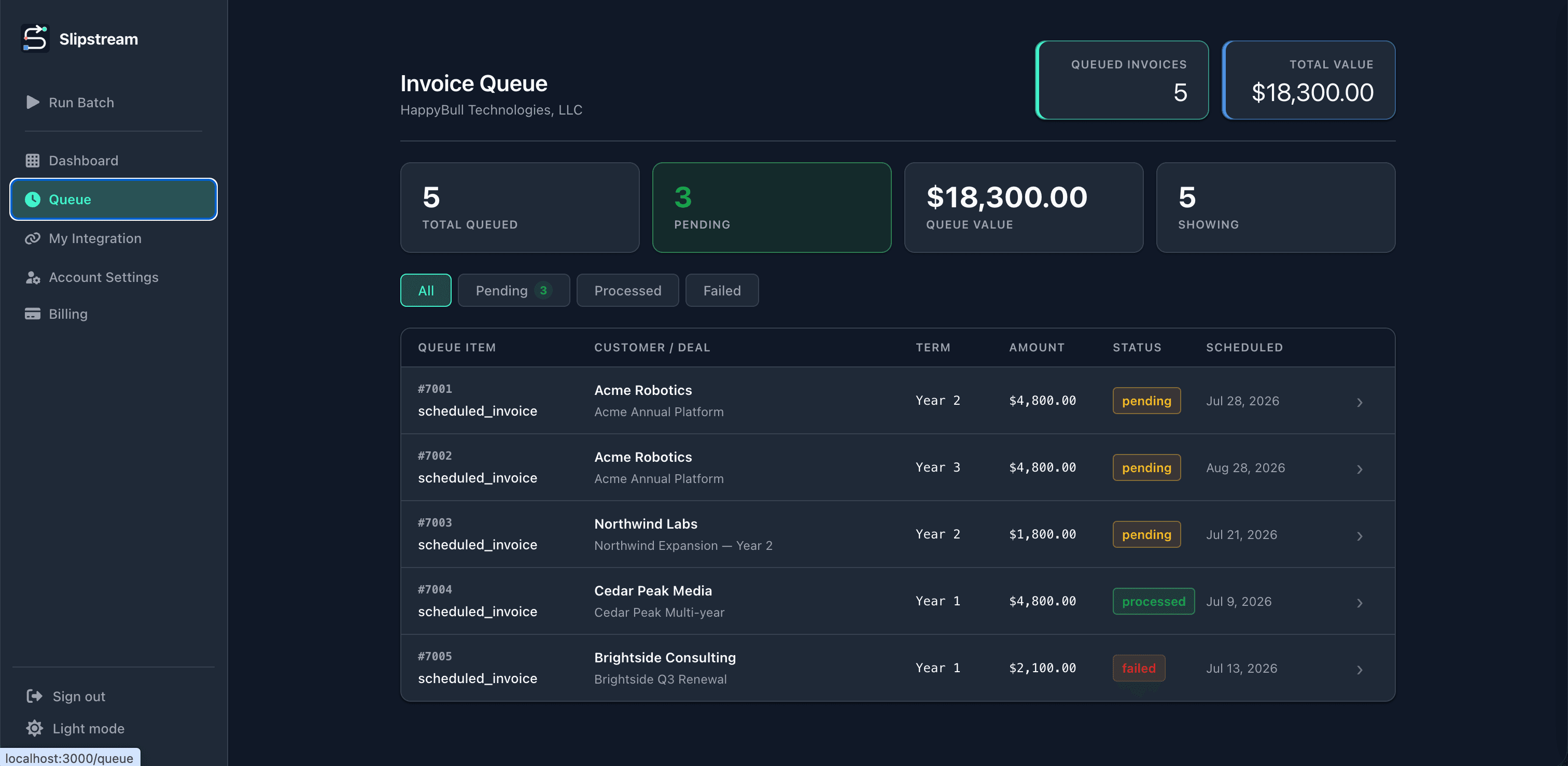
Do you have long term contracts? Renewal invoices land in a queue, and will automatically be created when the contract renews.
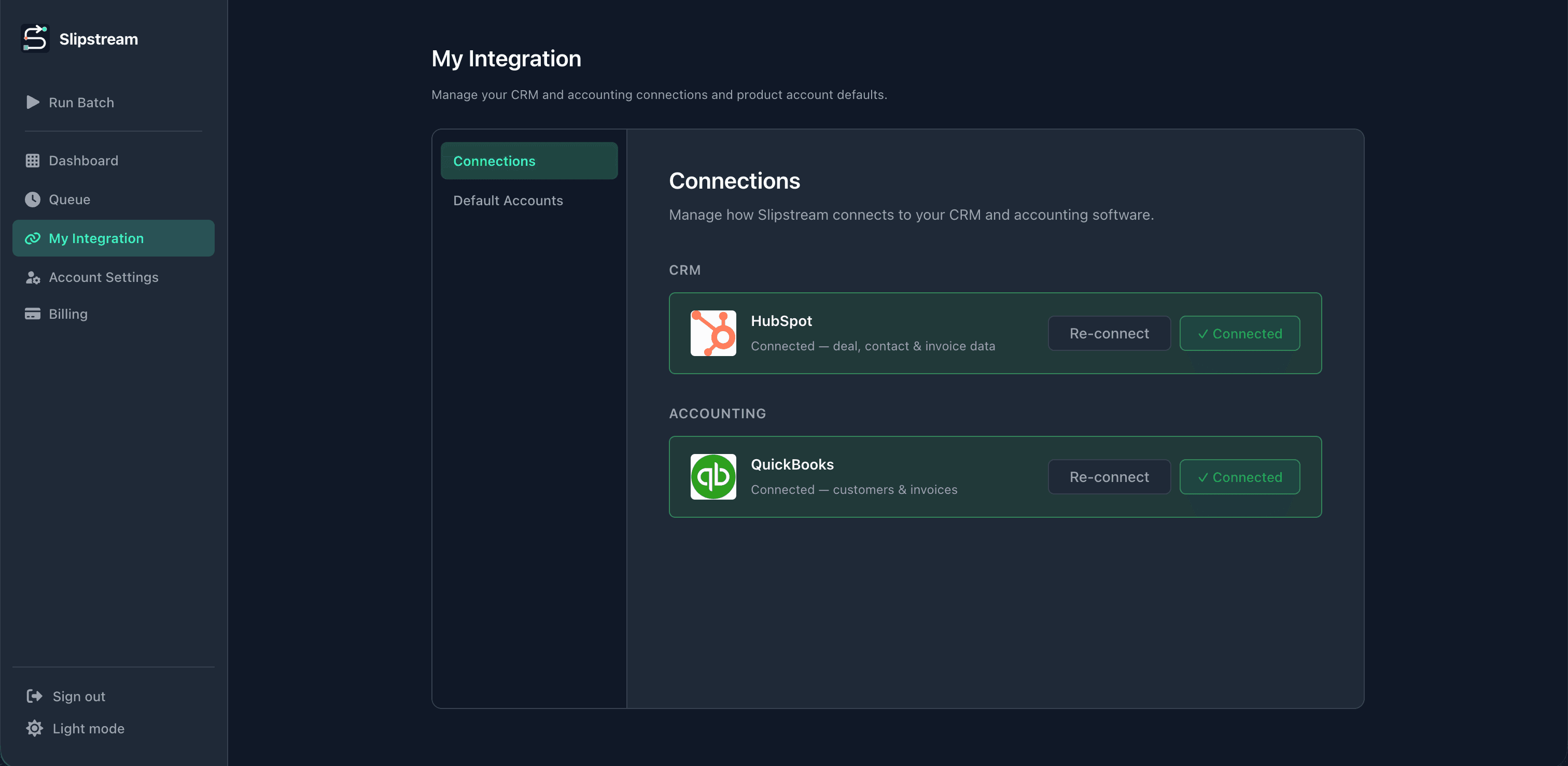
Disconnect, reconnect, and monitor connection status anytime. Mapping and workflow buildout stay with our white-glove team — you manage the links, not the integration design.
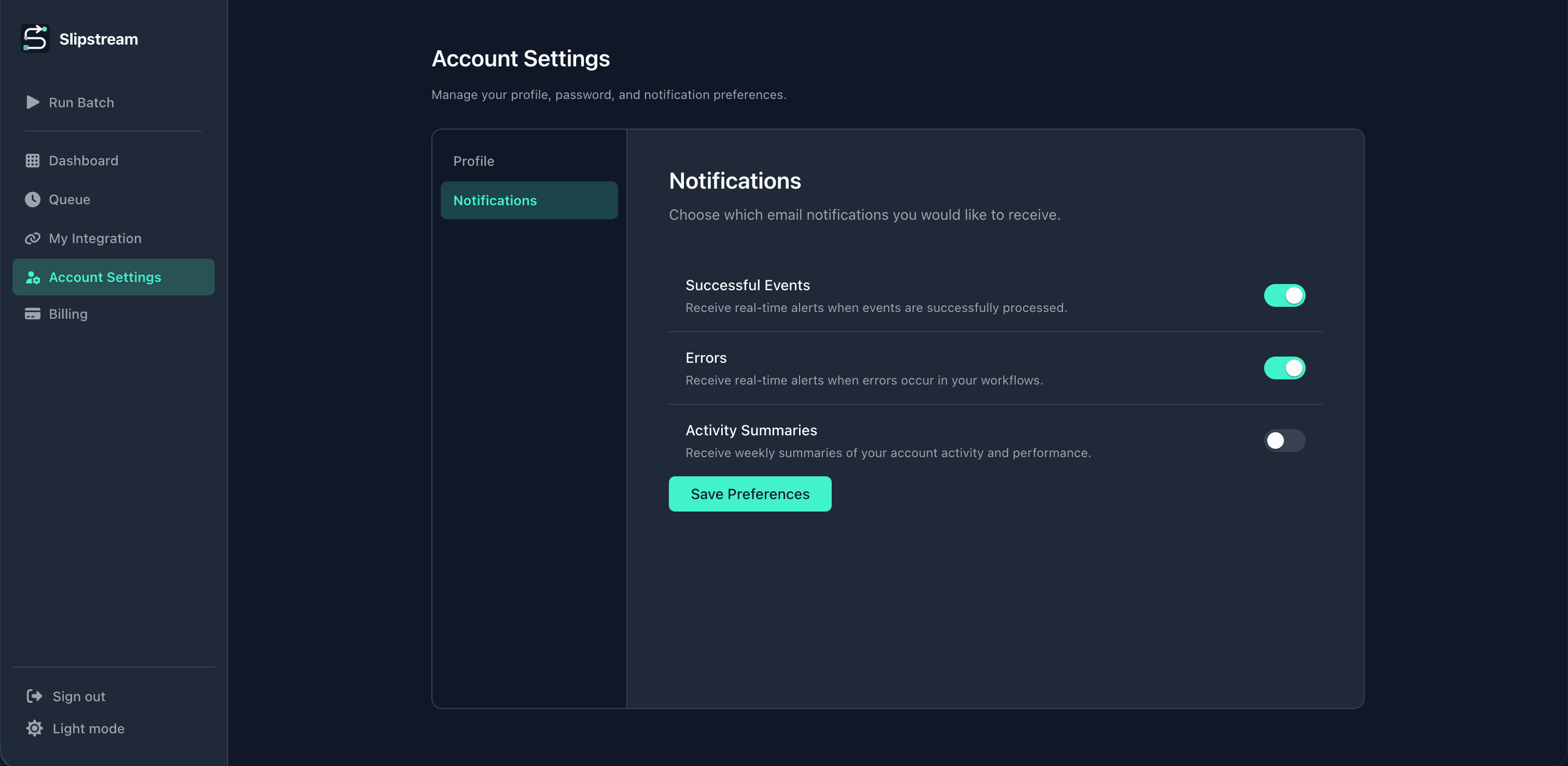
Choose email alerts for successful events, errors, and weekly activity summaries — or keep the noise off.
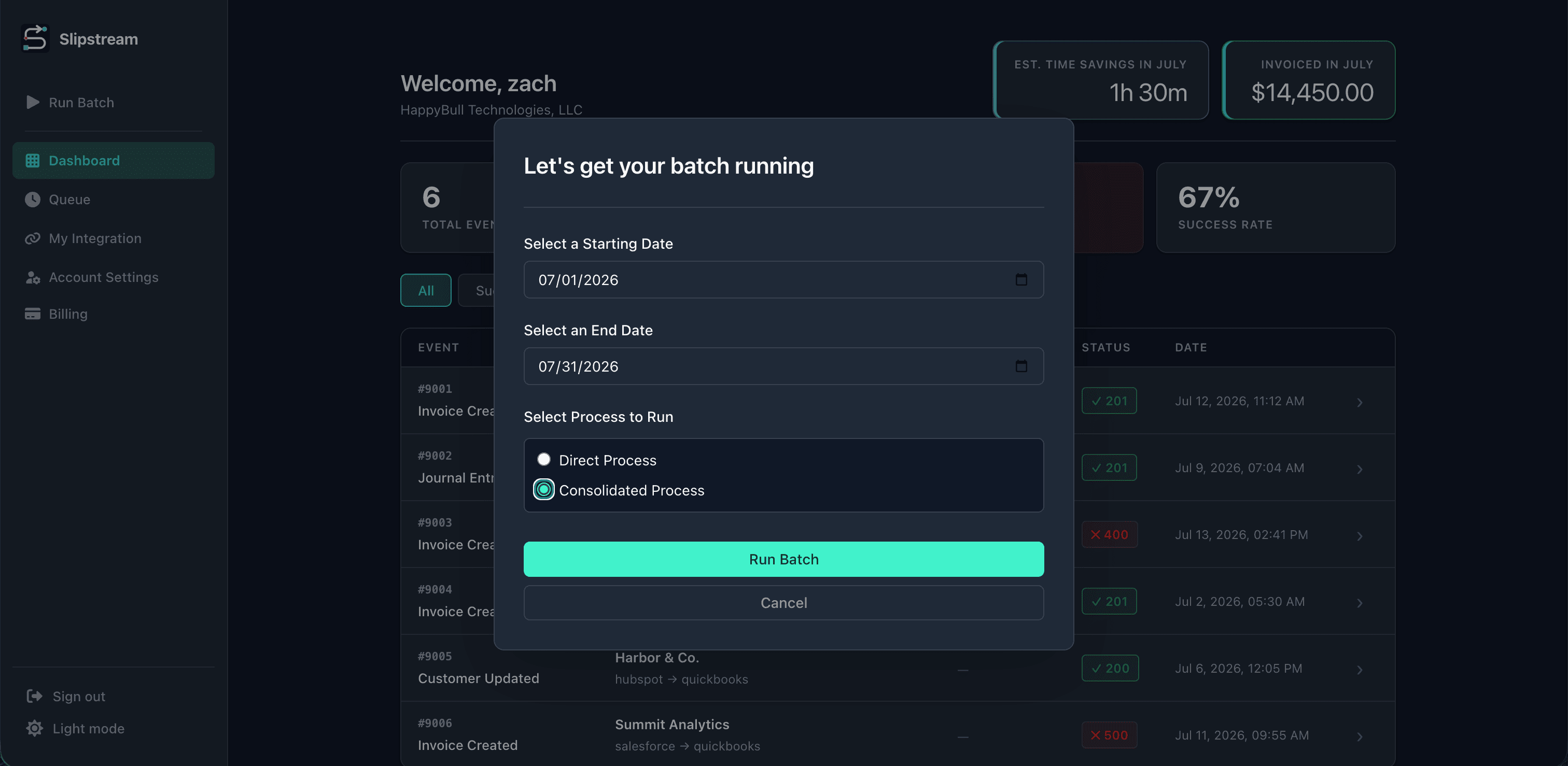
Run a date-range batch with consolidated processing to invoice partners in one pass instead of deal by deal.
Benefits
Less manual work, faster billing, and fewer mistakes — from day one.
Stop re-typing deal data into QuickBooks. Invoices create themselves when deals close.
Send invoices the moment a deal closes — not days later when finance catches up.
Our team configures field mappings so CRM and accounting stay in sync. No more typos or mismatched amounts.
Every run is logged. See what synced, what failed, and why — without digging through email.
Not a generic automation tool. White-glove mapping and invoice-specific error handling for your billing workflow.
We design the mappings and build the integration for you. You connect your accounts, monitor status, and go live with confidence.
Time savings calculator
Estimate monthly hours saved from automating invoices, customer setup, and product catalog updates.
| Invoicing | 6.7 hrs |
|---|---|
| Customer setup | 1.7 hrs |
| Product catalog | 48 min |
| Total time saved (estimated) | 9.1 hrs |
9.1 hrs / month
on manual invoicing work
That's about 110 hrs per year
This calculator provides an estimate based on typical manual workflows. Actual time savings may vary and are not guaranteed.
Testimonials
See what customers say after automating invoicing with Slipstream.
The cost of waiting
Manual invoicing isn't just slow — it compounds into real revenue and risk every month you delay.
12+ hours per month re-entering deal data that should sync automatically.
Late invoices mean late payments. Every day of delay pushes revenue further out.
Typos and mismatches create hours of cleanup work and erode trust in your books.
More deals means more manual work. Without automation, your team becomes the bottleneck.
Pricing
Choose the level of setup support that's right for your team. Every tier includes the same $50/month platform access.
$250one-time setup
+ $50/ month
Guided integration setup with the essentials for a clean CRM-to-QuickBooks handoff.
$500one-time setup
+ $50/ month
Hands-on help optimizing your CRM, sales process, and integration workflow.
$1,000one-time setup
+ $50/ month
Deep CRM and sales process optimization for complex billing workflows.
All tiers include unlimited integration usage, ongoing support, and access to Slipstream activity logs.
FAQ
Common questions about setup, integrations, and how Slipstream fits your billing workflow.
Slipstream watches your CRM for closed-won deals and creates the matching invoice in QuickBooks automatically. Your team stops copying deal data by hand — billing starts the moment the deal closes.
HubSpot, Salesforce, Pipedrive, GoHighLevel, Monday.com, and ConnectWise today, with more integrations on the roadmap. Browse our integrations directory for CRM-specific workflows, or HubSpot, Salesforce, and Pipedrive detail pages to start.
Most teams reclaim 12+ hours per month on manual invoice entry. High-volume teams often save up to three days. Use our time savings calculator on the homepage to estimate your team's numbers.
You authorize Slipstream through QuickBooks OAuth — the same secure flow you use for other accounting apps. We sync customers, line items, and invoice fields directly into the company file you choose.
Our team builds and maps your integration during white-glove onboarding. Your part is connecting CRM and QuickBooks accounts and confirming the workflow with us — typically a short connection flow once the Scope of Work is approved. Our how-it-works guide covers each step.
Book a demo and see your CRM flow straight into QuickBooks.
 HubSpot
 QuickBooks